
Basic
Write a question on the front and its answer on the back. Add explanations or notes when you need them.
How is cardiac output calculated?
Choose a card type for your material, organize your collection, and review what’s due. Explore each part of Cortex below.
Basic, cloze, and image occlusion cards support different ways to test recall. Add rich text, images, audio, and personal notes to your material.
Write a question on the front and its answer on the back. Add explanations or notes when you need them.
How is cardiac output calculated?
Hide a word or phrase in a sentence. Try to recall the missing text, then reveal it.
The […] separates the left atrium from the left ventricle.
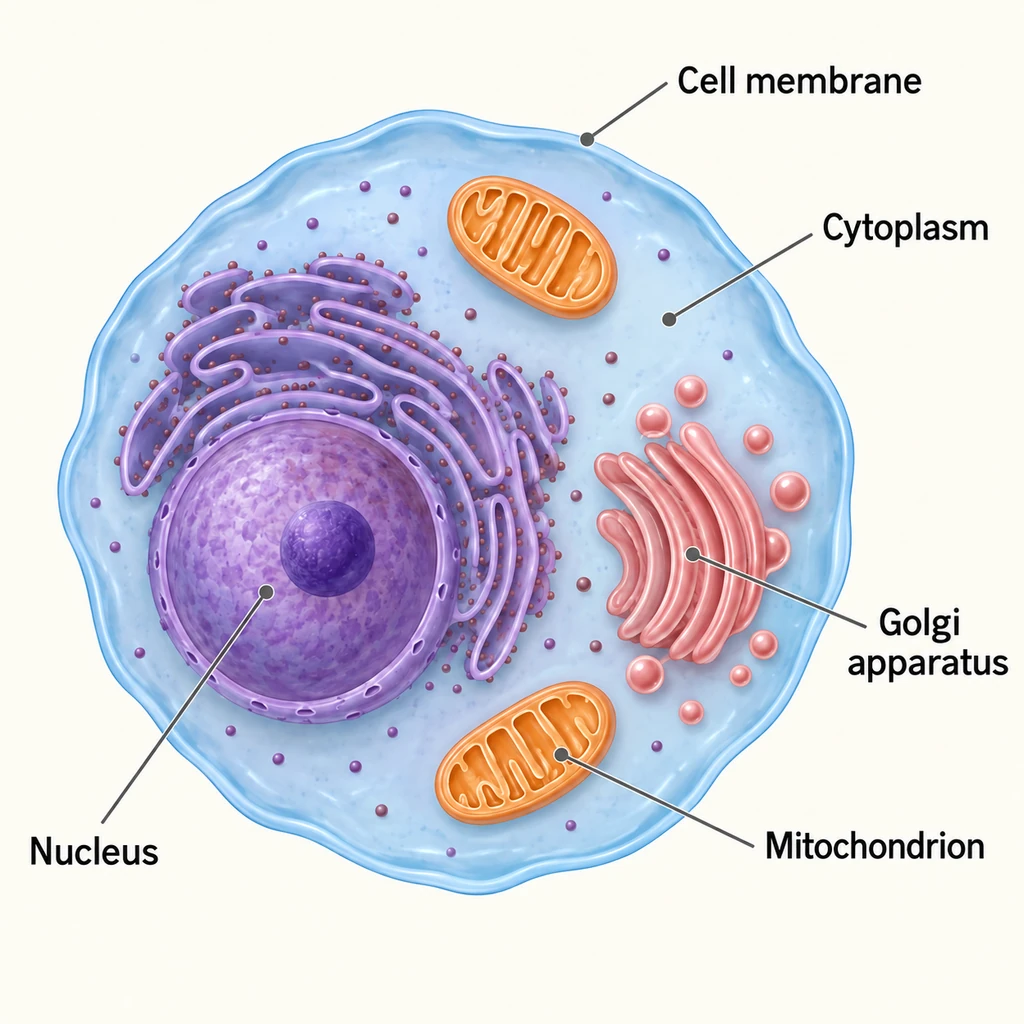
Cover labels or regions in an image. Reveal the covered area when you check your answer.
Which cell structure has the covered label?
Search your Library and filter by deck, tag, card type, or due date. Select a card to read its content, notes, and media without leaving the results. Try searching or selecting a sample card below.
How is cardiac output calculated?
Heart rate × stroke volume.
At 70 beats/min and 70 mL/beat, cardiac output is approximately 4.9 L/min.
Think of the answer, reveal it, and choose Again, Hard, Good, or Easy based on how well you remembered. Cortex uses your reviews to decide when to show each question again.
Choose a preset to start. Set how much new material you study each day and adjust your review schedule in the app.
Reveal answers and rate them with keyboard shortcuts or a compatible study controller.
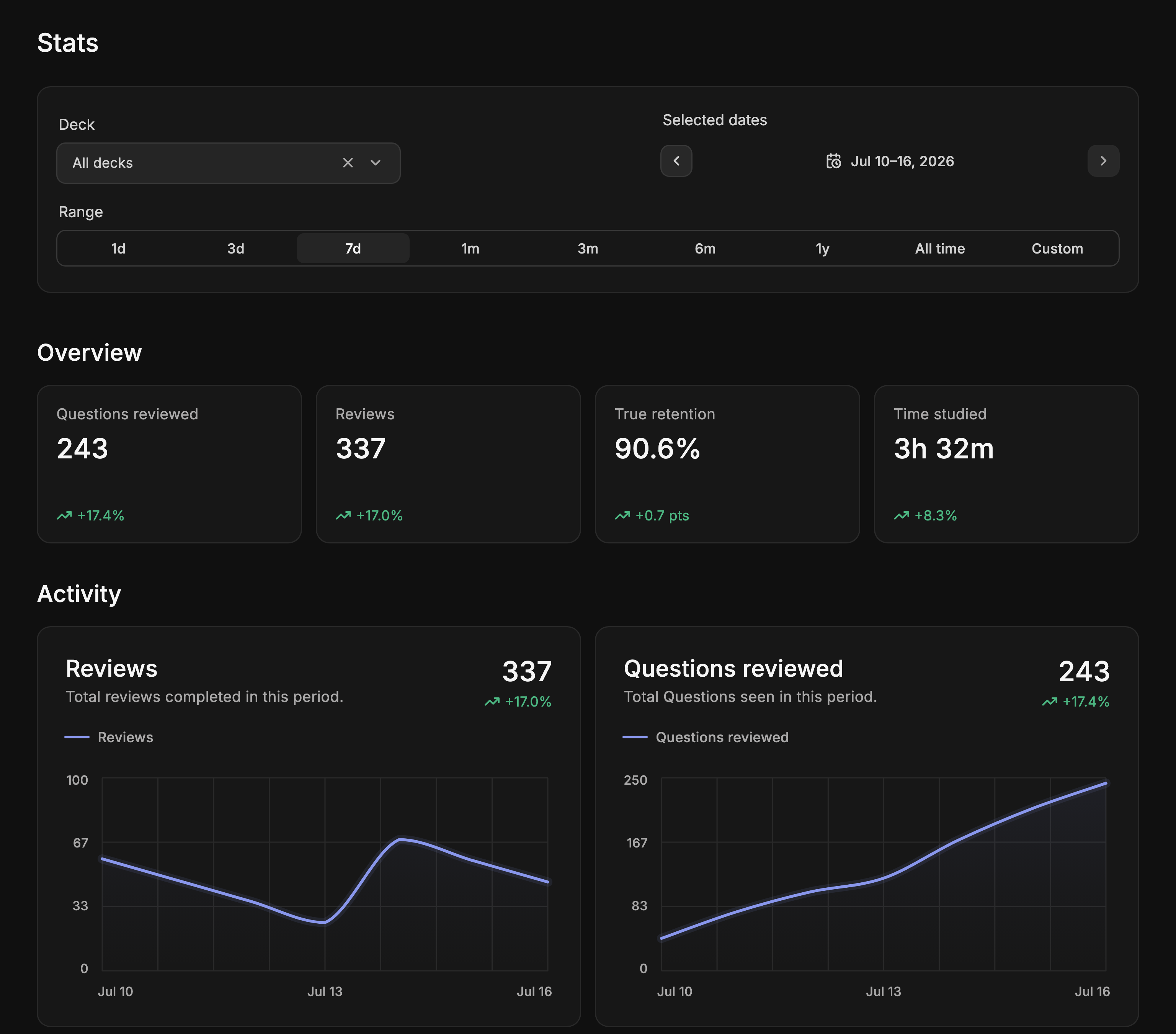
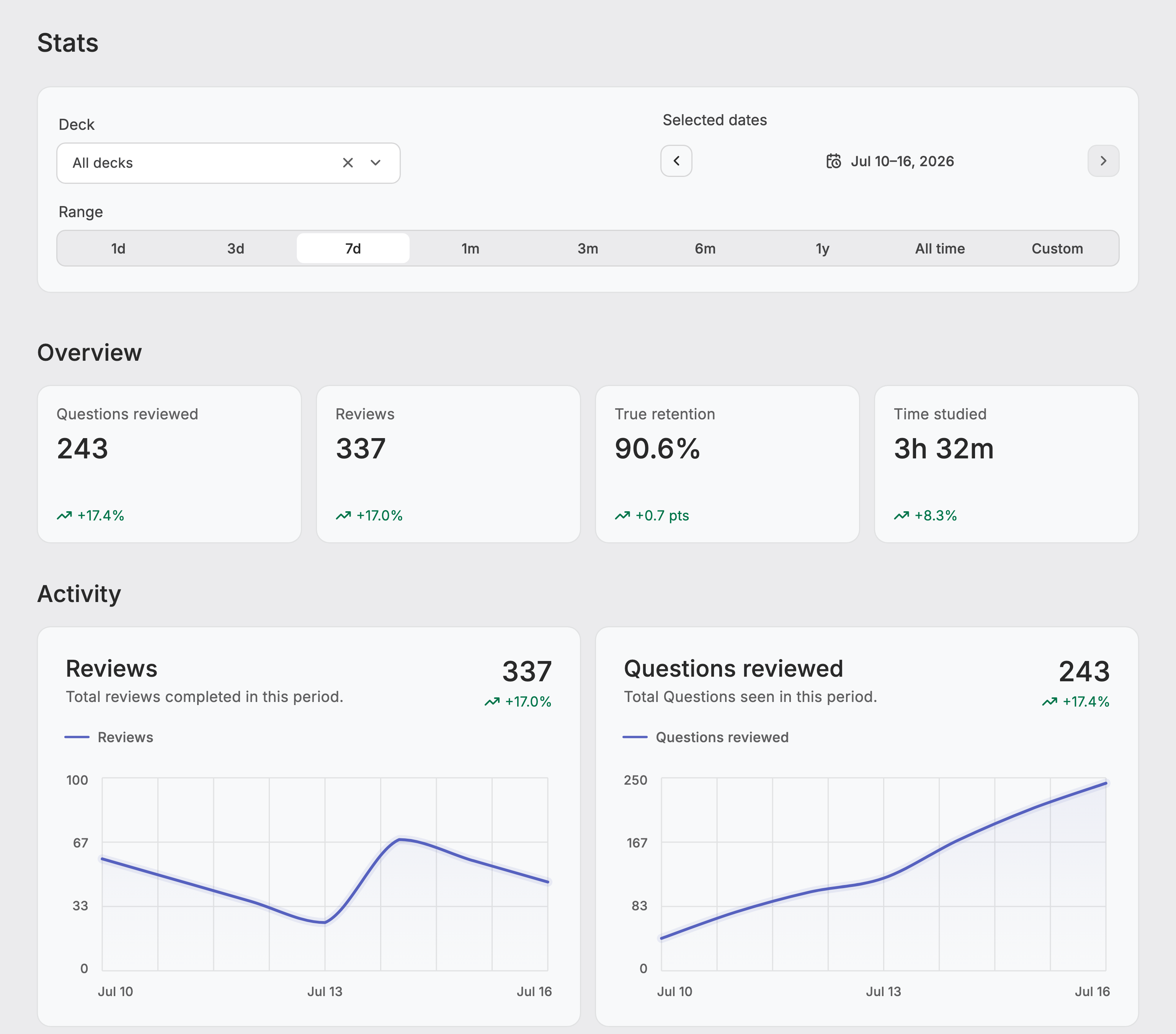
Compare review counts, study time, and retention across decks and date ranges.